How to add automatic video captions for free
Use local Whisper in VDS Shorts Factory to transcribe speech, correct words and export a captioned video. The basic workflow needs no OpenAI API key.



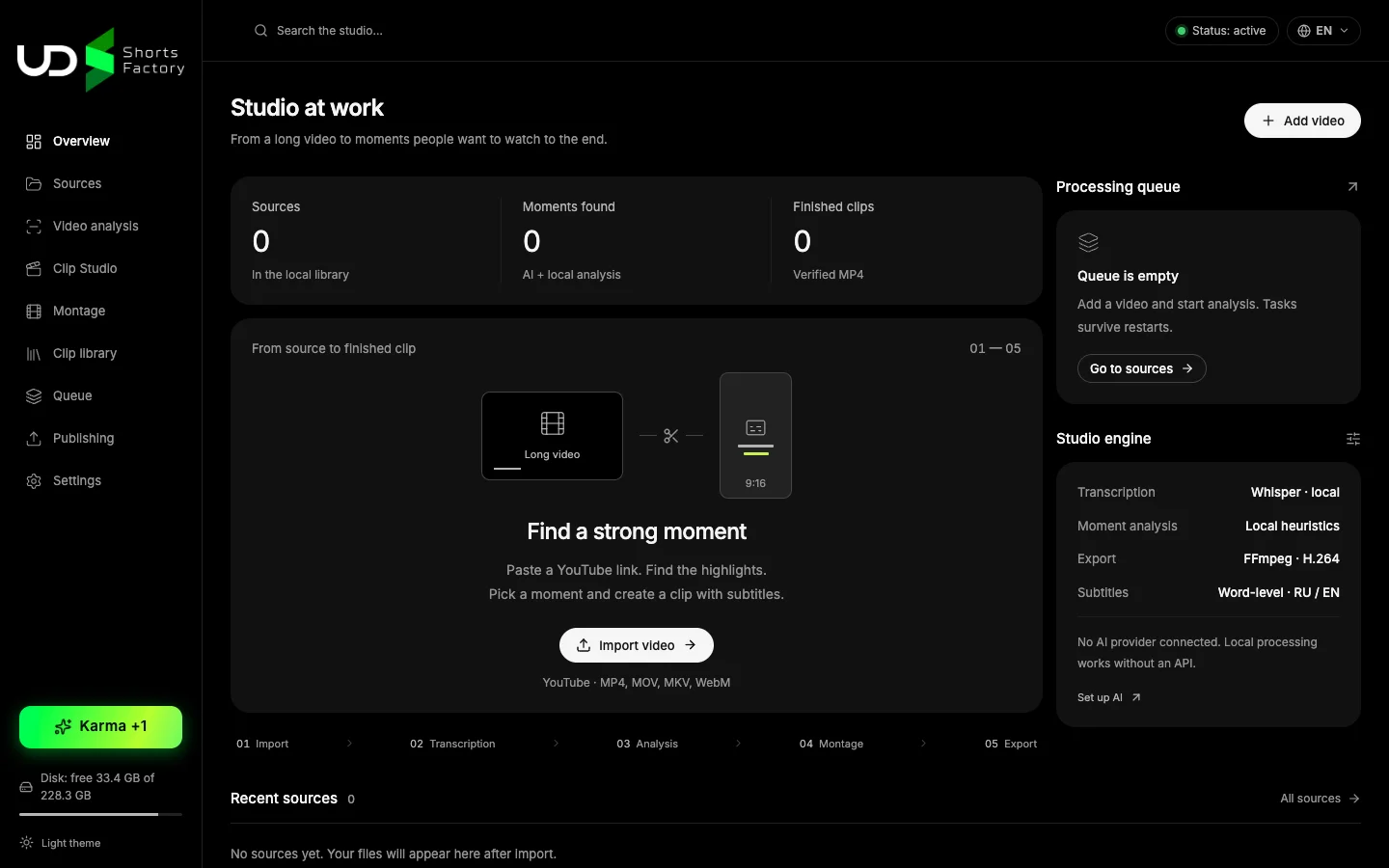
Prepare speech recognition
Install the dependencies and download the Whisper model on first use. Apple Silicon uses MLX Whisper; other supported systems use faster-whisper on the CPU. The model download itself does not send your speech or transcript.
How do I generate captions?
Import a source, confirm processing rights, choose the language and run transcription. Open a selected or manually defined clip in Clip Studio and enable captions. Recognized words with timestamps must be available.
Correct the text
Read the captions and correct names or terms. Word edits apply to the chosen clip and preserve timestamps; they do not change the original transcript or AI analysis. If no words were recognized, explicitly disable captions before rendering.
Choose a style
Set the caption style and vertical framing. The montage module offers five caption templates. Changing the style does not run AI analysis again. Check that the text is readable and does not cover important details.
Export video or subtitle files
Use Generate Reel and check the finished MP4. The editor also exports SRT and ASS. Batch ZIPs contain MP4 by default; add separate subtitles if needed. Render again after changes to text or styling.