How to turn long videos into Shorts for free
VDS Shorts Factory proposes clips from a longer recording. Review the context, adjust a vertical crop and export captioned MP4 files on your computer.



Import your source
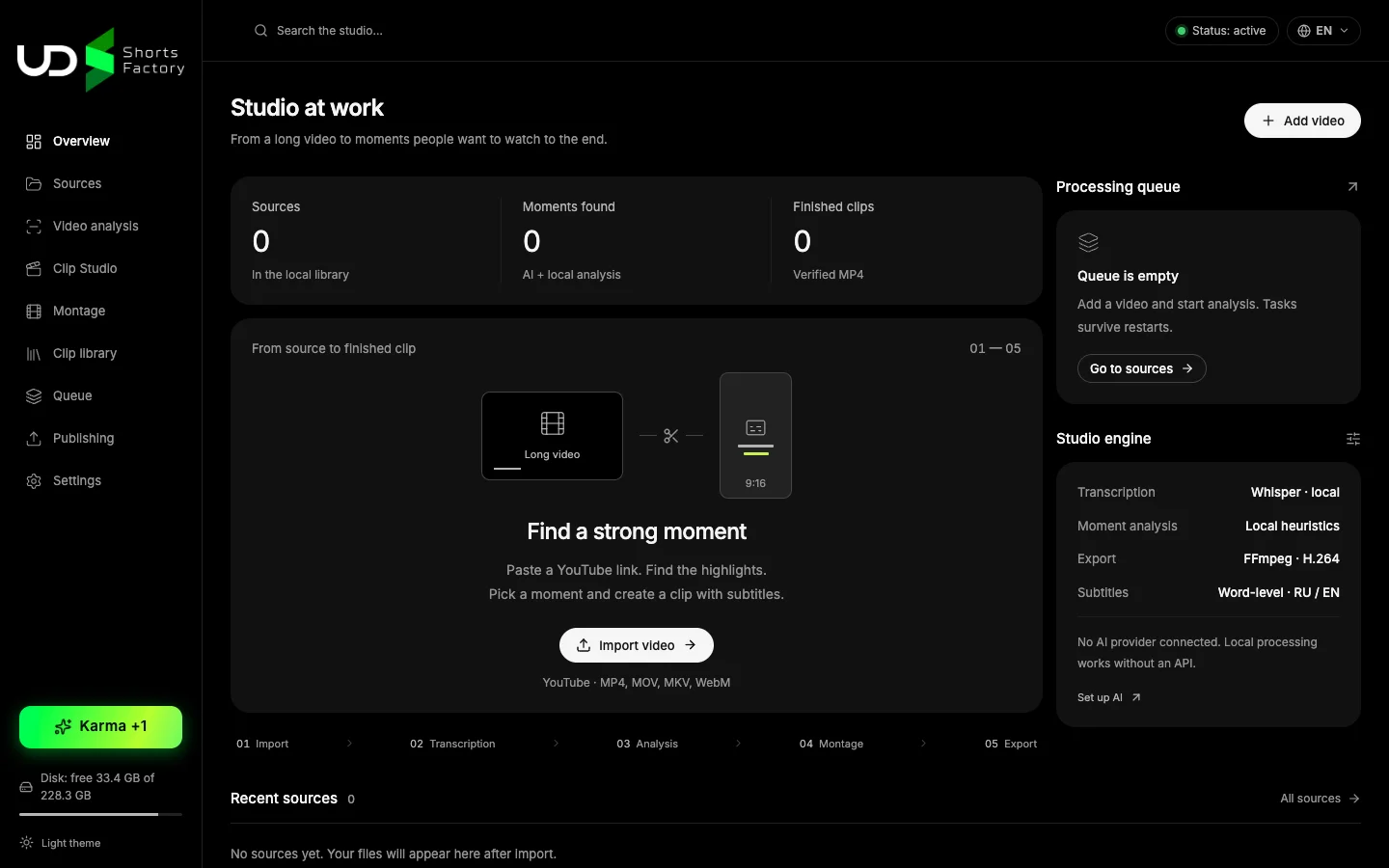
Add MP4, MOV, MKV or WebM, or download an available YouTube video. Confirm your right to process it. Local Whisper transcription provides words and timestamps for analysis and captions.
How do I find moments?
Select the source and run analysis. Set language, minimum and maximum duration, threshold and candidate limit. Inspect each suggested moment in Video Analysis. The chosen count is a maximum, not a promise to fill it with weak clips.
Frame the result
Open a chosen moment in Clip Studio. Adjust its start and end and choose 9:16. Use face tracking, center crop, manual positioning or a blurred background. Review important details and decide what should happen when no face is found.
Check captions and export
Correct words and choose a caption style, then use Generate Reel. Watch the finished MP4, not only the approximate source preview. After an edit, render again. Optional OpenAI or Gemini analysis needs your key, consent and possibly provider payment.
Create a batch
Select up to 100 clips per operation in the library. Choose shared or individual render settings and create a ZIP. MP4s are saved in data/renders and ZIPs in data/exports. Automatic selection does not guarantee recommendation or audience growth.