
How to download YouTube videos to your computer for free
Save an available YouTube source with VDS Shorts Factory, then use it for editing or Shorts. The app runs locally on Windows, macOS and Linux.


Prepare your computer
Install the app using the command for your operating system. The installer downloads Python, FFmpeg and Node.js. Allow about 5 GB for software, plus storage for videos and an internet connection for downloads.
How do I download a video?
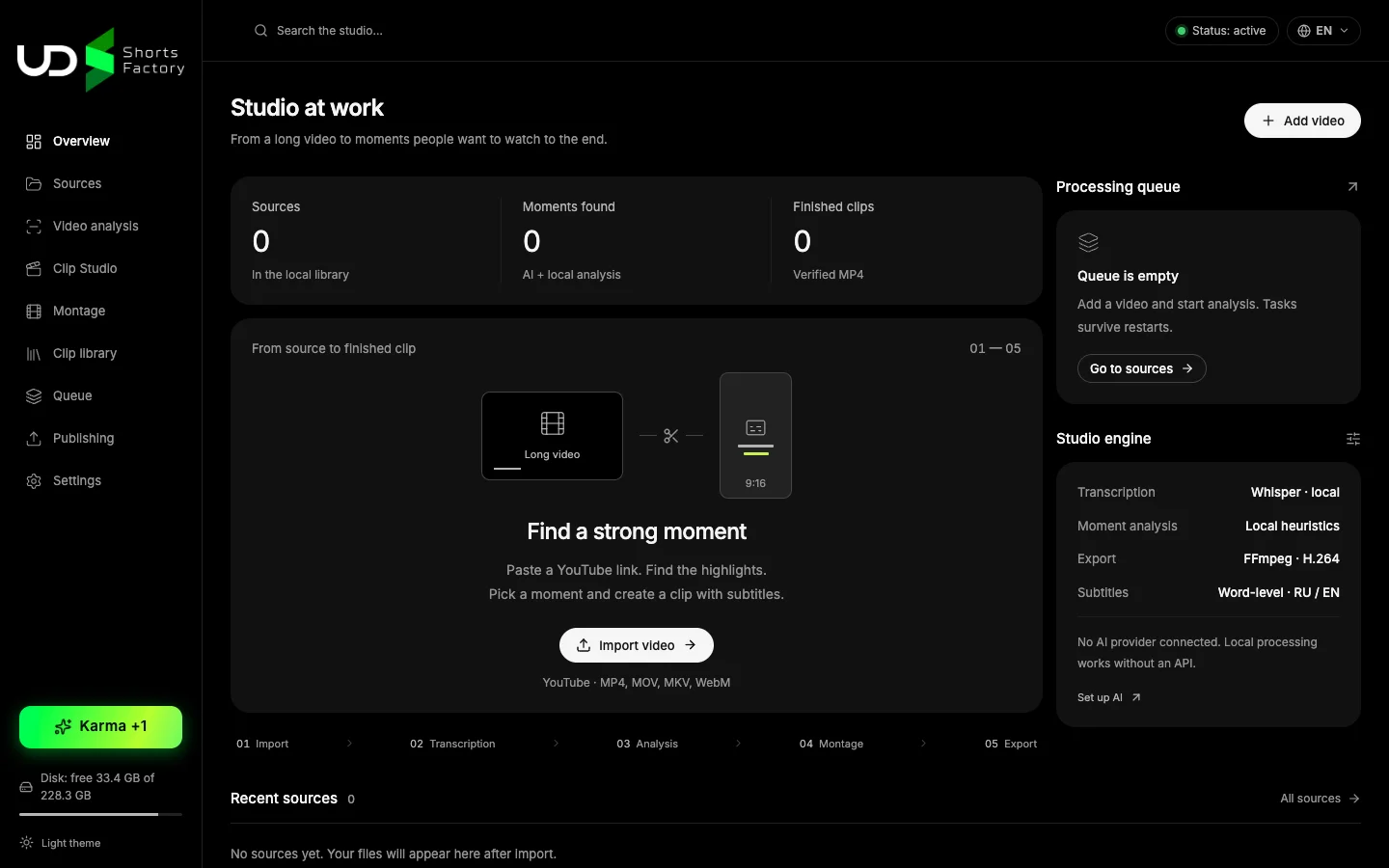
Open Add video, choose YouTube and paste a link to a specific video. Keep source downloading enabled. Turn off automatic moment detection if you only need the original. Confirm your rights and start the download. Follow progress in the queue.
Sign in when necessary
For restricted videos, open the studio’s separate Chrome profile, sign in on Google’s page and confirm the session in the app. Your account must have access to the video. Do not share session cookies or passwords.
Find the saved source
The app selects the best available format up to 1080p, preferably H.264 with AAC. Sources are saved in data/sources. You can then analyze the video, choose moments and make vertical clips without downloading it again.
Understand the limits
YouTube can restrict automated requests or change formats. Check the queue task for errors. The app does not bypass DRM, paid access or regional restrictions. Use material with the necessary rights and follow platform terms.